
tutorials
Preferred Stock Screeners
Want to find the best preferred stock shares to invest in? Learn how to create a preferred stock screener in Scanz.
5 min read
Read →
Strategies, setups, and platform guides from the Scanz team.
Want to find the best preferred stock shares to invest in? Learn how to create a preferred stock screener in Scanz.
Tired of missing out on big moves from stocks on your watch lists? Learn how to create a watch list scanner in Scanz so you never miss another move!
Learn how to find hot stocks in seconds using the Scanz Easy Scanner. Follow this guide to find fresh trading opportunities every single day.
Looking for stocks that are overbought and may reverse trend soon? Test out these real-time scanner settings today.
Ready to unleash the full power of the Scanz platform? Here are 10 Scanz features you should be using every single day.
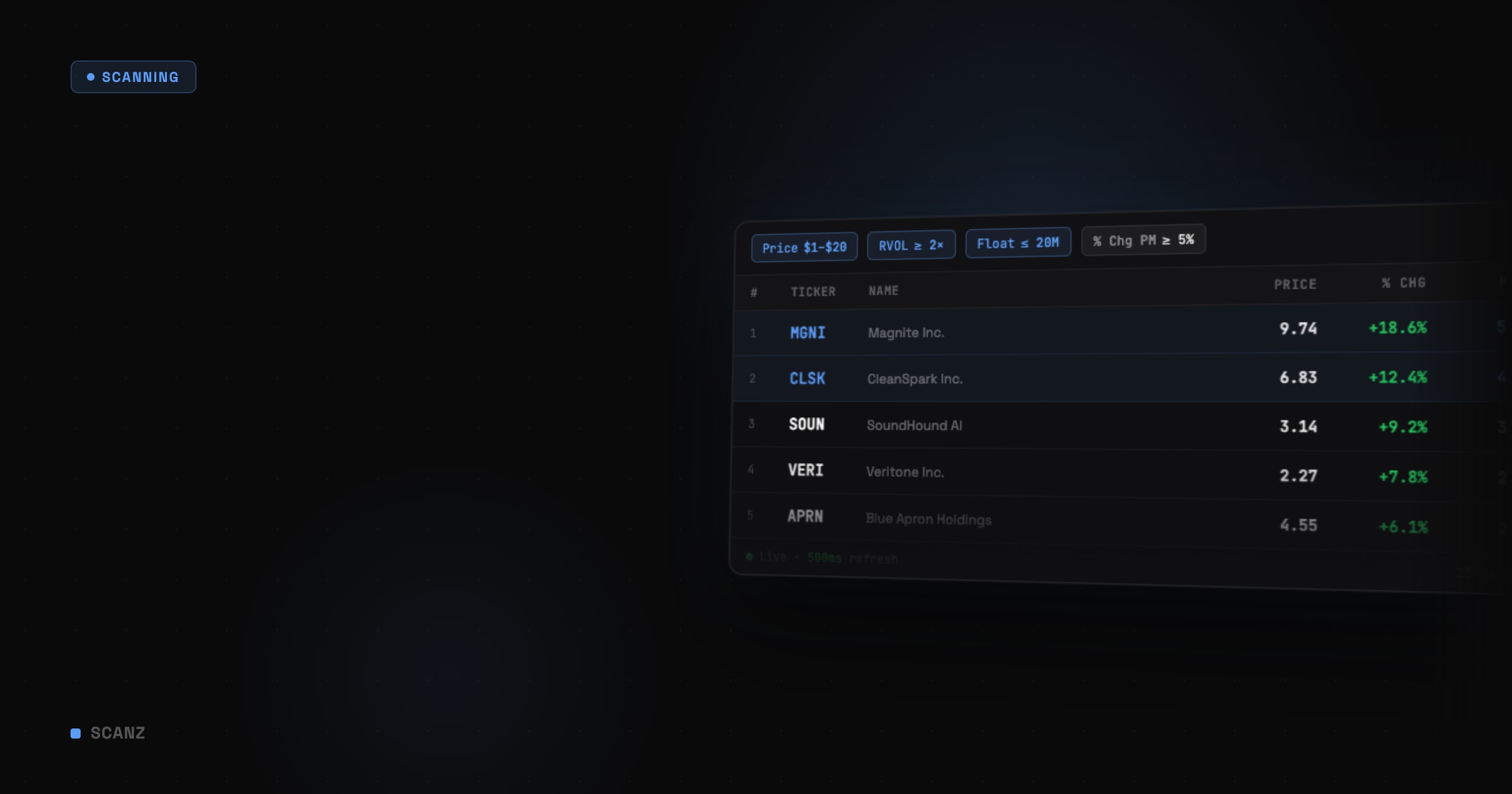
Want to build moving average crossover scans that identify prime trading opportunities every day? Check out this complete guide to learn everything you need to
Want to build a relative volume scanner that can help you find hot stocks daily? Check out this in-depth guide to learn everything you need to know.
Want to set up the best MACD stock screeners? Use this in-depth guide to discover the best scan settings to use daily.
Want to learn how to find and analyze market-moving SEC Filings? Check out this in-depth guide to learn everything you need to know.
Showing 46–54 of 126 articles
Browse by tag